
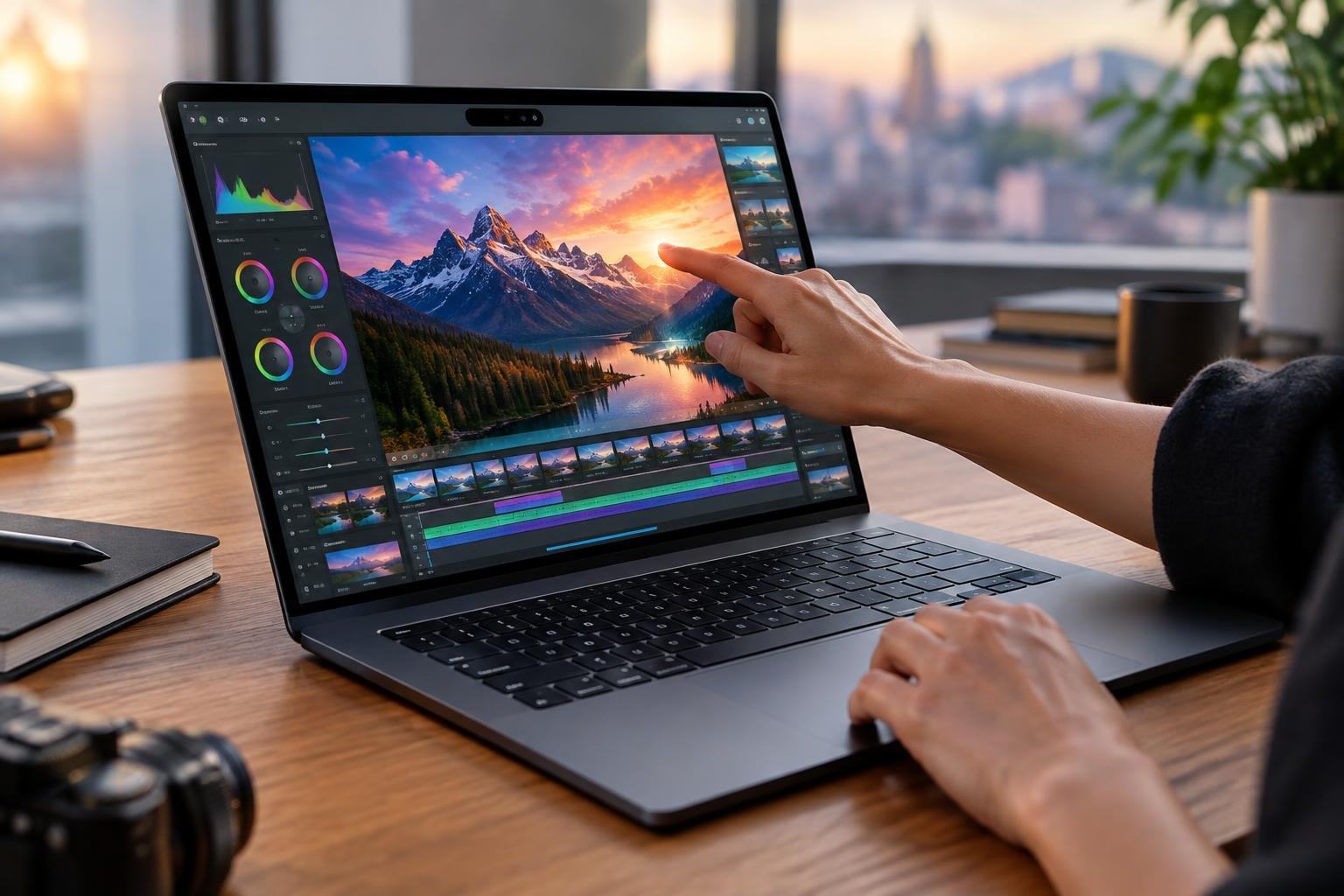
For years, the laptop screen has been a place to look, not a place to touch. Apple is changing that boundary with its new MacBook Pro, adding touch controls to the Mac for the first time and pairing them with a display built from stacked OLED layers.
The 14- and 16-inch models, announced October 28, also introduce Apple’s M5 Pro and M5 Max chips. The company says the laptops can last up to 24 hours on a charge and come in thinner, lighter designs. But the more intriguing shift is how the machine combines a screen technology associated with deep contrast and vivid color with a new way to interact with professional work.
Why stack OLED layers?
In an OLED display, pixels produce their own light rather than relying on a separate backlight. That makes it possible to turn individual pixels off for dark areas, creating the deep blacks that give OLED its high contrast. A tandem design stacks light-emitting layers, a way to pursue greater brightness without asking a single layer to do all the work.
Apple calls its implementation PROLED XDR. The company claims peak brightness of up to 2,000 nits for both HDR and SDR content, a contrast ratio of 10 million to one, and an adaptive refresh rate reaching 120Hz. Those figures could matter to people editing video, photographs or designs: bright highlights, dark shadows and accurate color all need to remain visible and trustworthy on the same screen.
Color work is a particular focus. The display supports both the P3 and Adobe RGB color spaces, and Apple says it covers more than 80 percent of the Rec. 2020 range used in HDR video. It also says each panel is factory-calibrated and that the display engine adjusts pixel color and brightness in real time. These are the company’s specifications; independent testing will be needed to show how the screen performs in everyday work.
A screen that becomes part of the workspace
Touch changes the screen from a window into a control surface. Apple points to tasks such as manipulating 3D models and playing musical instruments onscreen—work where a direct gesture might feel more immediate than moving a cursor. The announcement does not mean every professional task will be easier by touch; detailed editing may still suit a trackpad, mouse or keyboard better.
The design challenge is not simply adding a touch-sensitive panel. A useful creative tool needs to make touch feel natural without making the screen harder to see or less precise. Apple says the display’s anti-reflective treatment is intended to help in bright conditions, with an optional nano-texture finish to reduce glare further. How well that combination works will become clearer when people use the laptops outside controlled demonstrations.
Apple is also bringing its Dynamic Island interface to the Mac, where it will house Spotlight, Live Activities and Siri. The company says Siri AI and Apple Intelligence are part of the macOS 27 experience, though the announcement offers no detailed performance comparisons for the new chips or specific measures of AI speed.
The bigger question is how we work
The new models support up to 128GB of unified memory and 16TB of storage, alongside Thunderbolt 5 connectivity. Those options signal a machine aimed at demanding workflows, but they do not answer the practical question of whether touch will become a daily habit for Mac users or remain an occasional shortcut.
Pre-orders begin October 28, with availability starting November 6. For now, the announcement marks a notable change in the Mac’s interface: the display is no longer only where creative work appears. Apple is betting it can also be where that work begins.